Estimating How-To · Handyman
Handyman Estimate From a Photo: Snap, Price, Send (2026)
Get a handyman estimate from a photo of the repair. Here are the steps, three real repairs, and what to check first.
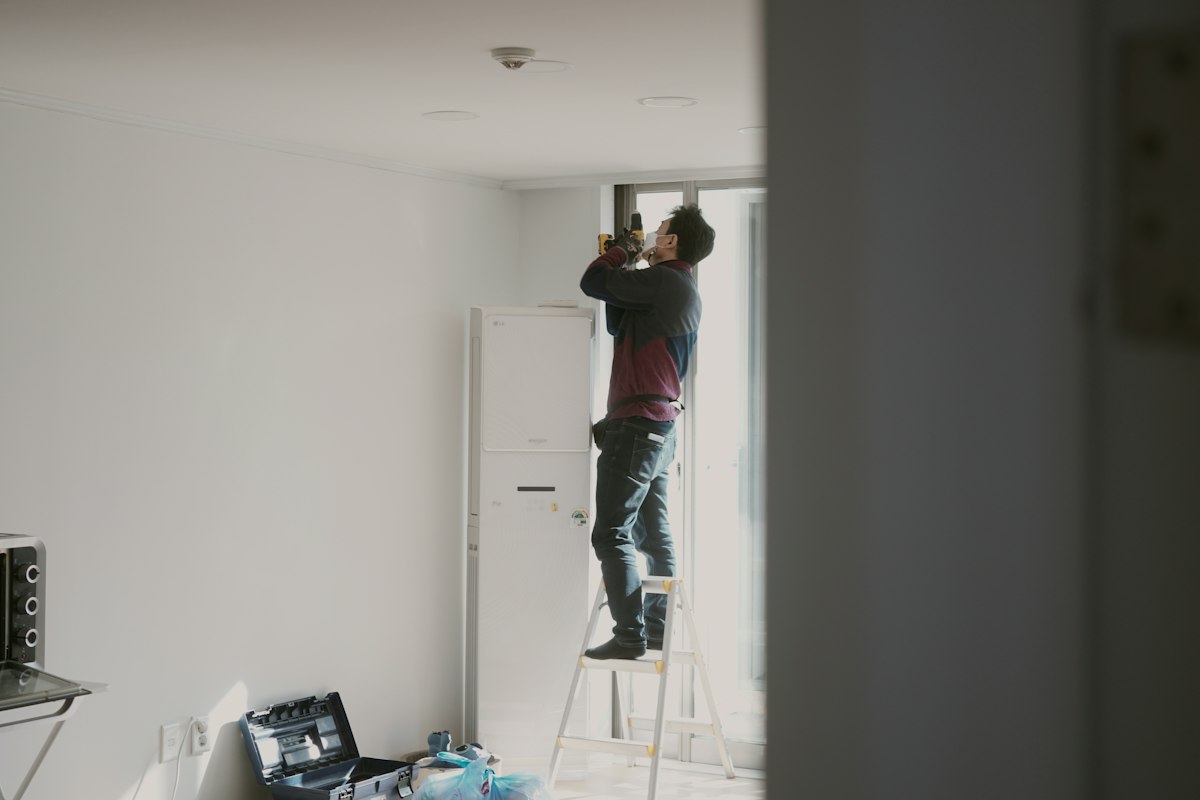
Yes, you can get a handyman estimate from a photo. Snap the repair in SimplyWise Cost Estimator and an itemized estimate comes back in about 6 seconds.
Add a one-line description and answer a few quick questions. The app drafts the material and labor lines with local material prices and your markup.
Then you send a professional, branded quote. It costs $29.99 a month or $239.99 a year, after a 7-day free trial.
Why price a repair from a photo
Small repairs eat your day. You drive out, look at the job, drive home, and type up a number at night. By then the homeowner has called someone else.
A photo fixes that. You can price the repair while you stand in the room. The client gets the quote before you reach the truck.
How to get a handyman estimate from a photo
These are the five steps in SimplyWise Cost Estimator. The photo turns into an itemized estimate in about 6 seconds.
-
Take the photo
Open SimplyWise Cost Estimator and snap the repair. Stand back so the whole spot shows, then take one close shot.
-
Describe the repair
Type one line, or use your voice. Say what is broken and what you plan to do, like the examples below.
-
Answer the job questions
The app asks a few quick questions about the job. Answer them so the lines match your scope.
-
Review the lines and add your markup
Every line has a unit, a quantity and a price per unit. Edit any line, then add your built-in markup.
-
Send the quote
Send a professional, branded quote. Your client signs to approve the job.
Want to try it on a job you have today? Open SimplyWise Cost Estimator. Free to try.
Three real repairs we ran through the app
We ran each repair below through SimplyWise Cost Estimator with a photo and the exact words shown. Here is the total the app gave back.
Drywall patch: $446.96
We typed: “Patch a fist-size hole in a living room drywall wall, tape, mud, sand and paint to match.”
The app came back at $446.96, run on October 9, 2026.
Door rehang: $210.33
We typed: “Rehang an interior door that sticks and will not latch: reset hinges, plane the edge, adjust the strike plate.”
The app came back at $210.33, with a 10 percent markup already in.
Faucet swap: $537.04
We typed: “Replace an old kitchen faucet with a new single-handle pull-down faucet, including new supply lines.”
The app came back at $537.04, with a 10 percent markup already in.
Your own numbers will differ. Material prices follow your zip code, and the markup is yours.
What moves your number
Two handymen can snap the same hole and get two different totals. Here is why.
- Your zip code. Material prices come from the closest Home Depot to the zip code in your app.
- Your markup. It is yours to set. Our three runs used 10 percent.
- Your answers. The app asks things like drywall type, wall texture or who supplies the faucet. Those answers shape the lines.
- Your edits. Change any unit, quantity or price per unit before you send.
What makes a good repair photo
The app can only price what it can see and what you tell it. Use this checklist before you tap the shutter.
- Stand back first. Show the whole repair and the wall, floor or cabinet around it.
- Then get close. Take one shot of the damage itself, in focus.
- Use good light. Turn on a lamp or open a blind. Skip the flash, which hides cracks and texture.
- Add a size cue. Hold a tape measure or your hand beside the damage.
- Show the parts that matter. For a door, show the hinges and the strike plate. For a sink, show the shutoff valves.
- Say what the photo cannot. Put the material, the finish and any odd access in your one-line description.
Other photo-to-estimate options
Our verdict: for a handyman quoting from a phone, SimplyWise Cost Estimator is the pick. Two other apps come up for this search.
- FastEstimateMaker: the vendor says it prices the draft from your own Price Book. Its photo page does not say how fast.
- Contractor+: a full business suite. The vendor says a draft takes a couple of minutes, on the Pro plan and up.
Sources: each vendor’s own site, read October 9, 2026. Details can change.
Price the repair before you leave the room
Snap a photo of the work. SimplyWise Cost Estimator turns it into an itemized estimate in about 6 seconds. Send the quote while you are still on the job. Free to try.
On the road, you can also start your first estimate from the app and check the lines against your own price list.
Keep reading
Sources
- SimplyWise Cost Estimator FAQs, on line items, material prices, regional costs and the web version. Read October 9, 2026.
- SimplyWise Cost Estimator on the App Store, 4.8 rating. Read October 9, 2026.
- FastEstimateMaker, Photo-to-Estimate. Read October 9, 2026.
- Contractor+, Estimatic and pricing. Read October 9, 2026.
Photo estimate questions, answered
Does it work on Android?
Yes. SimplyWise Cost Estimator is live on Google Play, so you can start a handyman estimate from a photo on an Android phone. Only the LiDAR room scan needs a Pro iPhone.
What does the app need besides the photo?
A one-line description of the repair, and your answers to a few quick questions about the job. Those answers shape the material and labor lines.
Where do the material prices come from?
Material prices are pulled from the closest Home Depot to the zip code registered in your app. Estimates also adjust for regional cost differences.
What does it cost?
$29.99 a month or $239.99 a year, which is about $20 a month on annual billing. Every plan starts with a 7-day free trial.
Send your next repair quote from the room.
Snap a photo of the repair and get an itemized estimate in about 6 seconds. Then send the quote before the client calls anyone else.